Odoo14用户使用手册
已完成
Odoo Barcode使用说明 odoo14条码如何使用
1477 视图 •odoo库存管理操作实施详解(一)
2575 视图 •odoo库存管理操作实施——产品如何创建详解
2588 视图 •odoo库存管理操作实施——产品变体解读详解
2538 视图 •odoo库存管理操作实施——产品计量单位设置
1925 视图 •odoo库存管理操作实施——产品包装如何配置
2315 视图 •使用简体中文及操作odoo
2145 视图 •添加用户和管理访问权限
1857 视图 •从odoo导出数据
1970 视图 •如何生成一个Unsplash访问密钥
1921 视图 •如何生成Unsplash应用程序ID
1991 视图 •如何适配导入模板
1695 视图 •多公司
1793 视图 •如何允许用户使用Google帐号登录
1920 视图 •如何允许用户通过LDAP帐号登录
1606 视图 •付款收单行(信用卡、在线支付)
1770 视图 •配置你的Paypal帐号
1986 视图 •启用开发人员调试模式
1822 视图 •如何开始使用讨论应用
2114 视图 •odoo库存管理操作实施——产品如何创建详解
2588 视图 •odoo库存管理操作实施详解(一)
2575 视图 •odoo库存管理操作实施——产品变体解读详解
2538 视图 •odoo库存管理操作实施——产品包装如何配置
2315 视图 •使用简体中文及操作odoo
2145 视图 •如何开始使用讨论应用
2114 视图 •如何生成Unsplash应用程序ID
1991 视图 •配置你的Paypal帐号
1986 视图 •从odoo导出数据
1970 视图 •odoo库存管理操作实施——产品计量单位设置
1925 视图 •如何生成一个Unsplash访问密钥
1921 视图 •如何允许用户使用Google帐号登录
1920 视图 •添加用户和管理访问权限
1857 视图 •启用开发人员调试模式
1822 视图 •多公司
1793 视图 •付款收单行(信用卡、在线支付)
1770 视图 •如何适配导入模板
1695 视图 •如何允许用户通过LDAP帐号登录
1606 视图 •Odoo Barcode使用说明 odoo14条码如何使用
1477 视图 •Product Variants
Product variants are descriptions that can be described, under which various products can be described. This factor will allow users to describe variants of the same product across different attributes. The product variant option can be enabled in the settings menu. In the settings menu, users can scroll down to the product description and enable the available product variant option.
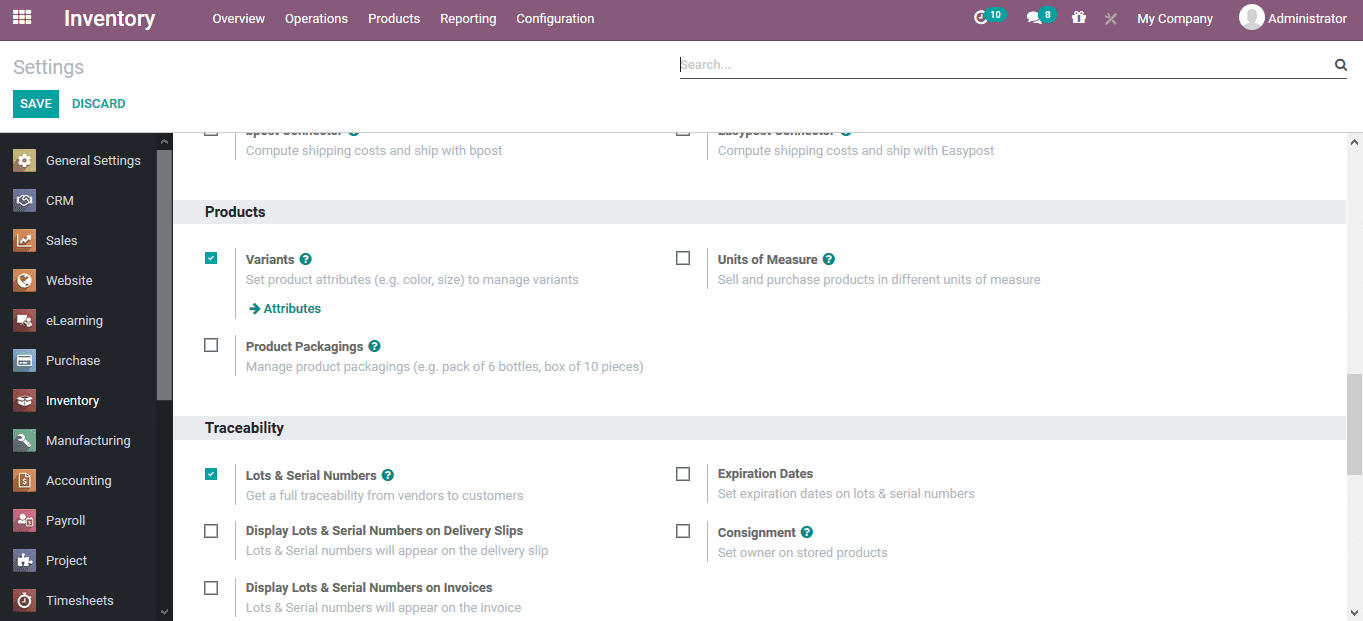
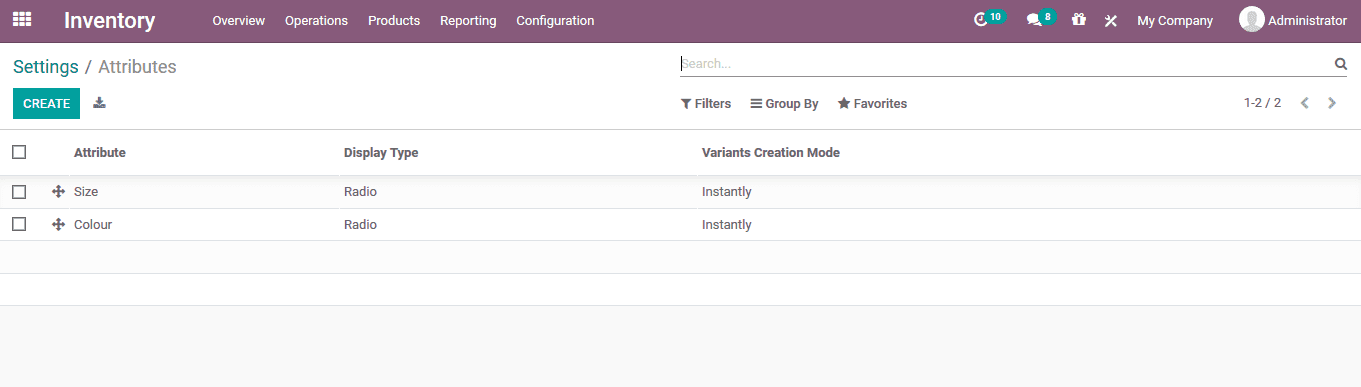
Product variant attributes can be accessed from the settings menu itself, or from the configuration tab.The attributes menu describes all available attributes described in the platform, allowing users to describe and differentiate products.
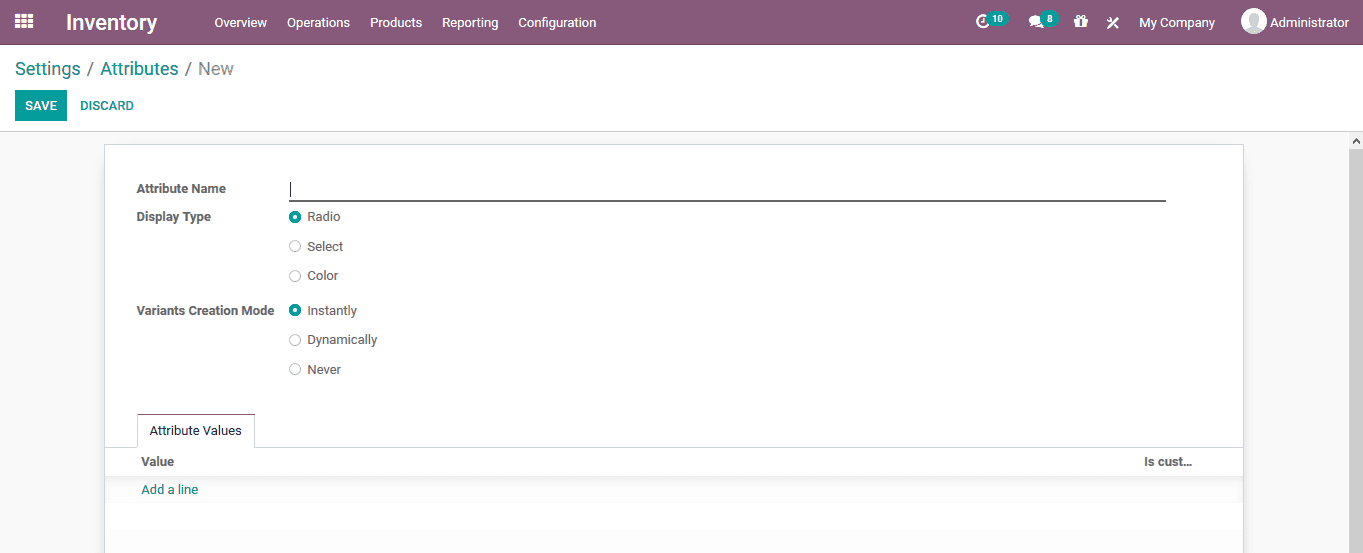
To create a new attribute, users can access the creation menu by selecting the available creation options.In the creation menu, users can define the attribute name, display type, variable creation mode, and attribute value.