odoo库存管理操作实施——产品包装如何配置
Product packaging
Product packaging is the physical aspect of products sold in grouped packages, along with packaging constraints.The Odoo platform recognizes standardized packaging aspects and operational rules, allowing Odoo platform users to describe their company's product packaging.
To enable product packaging for company operations, the Odoo platform requires users to initially enable the product packaging option available in the Odoo platform's Inventory module settings menu.
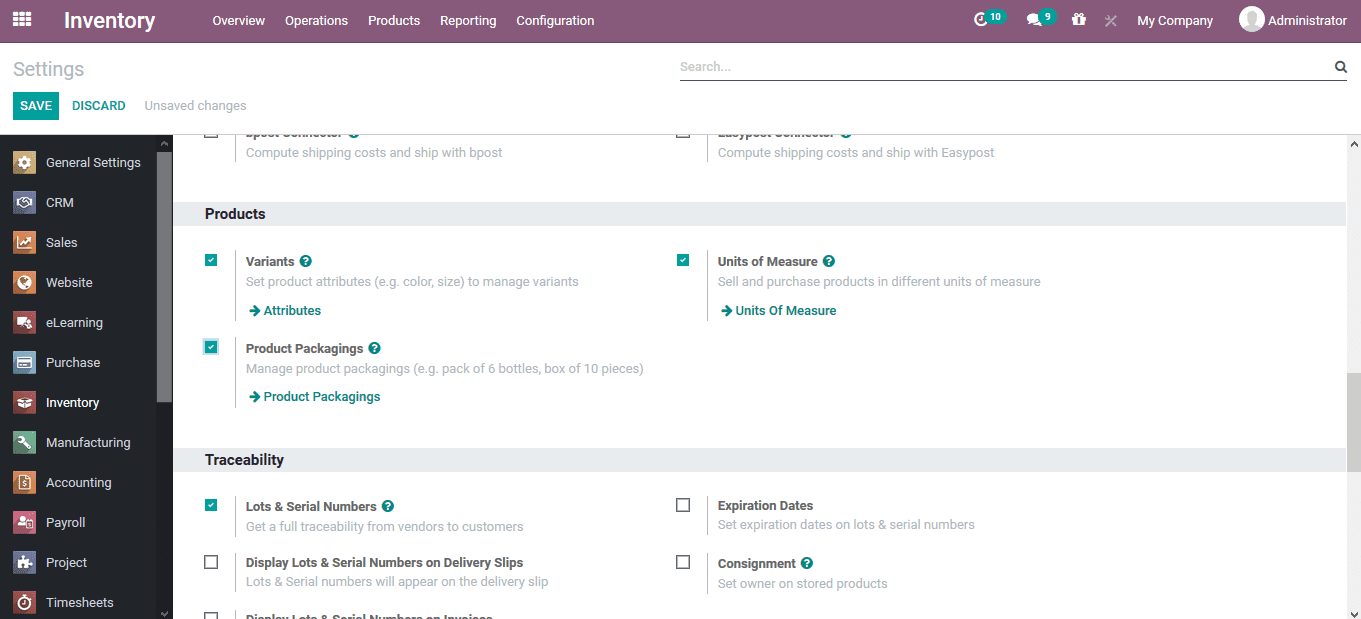
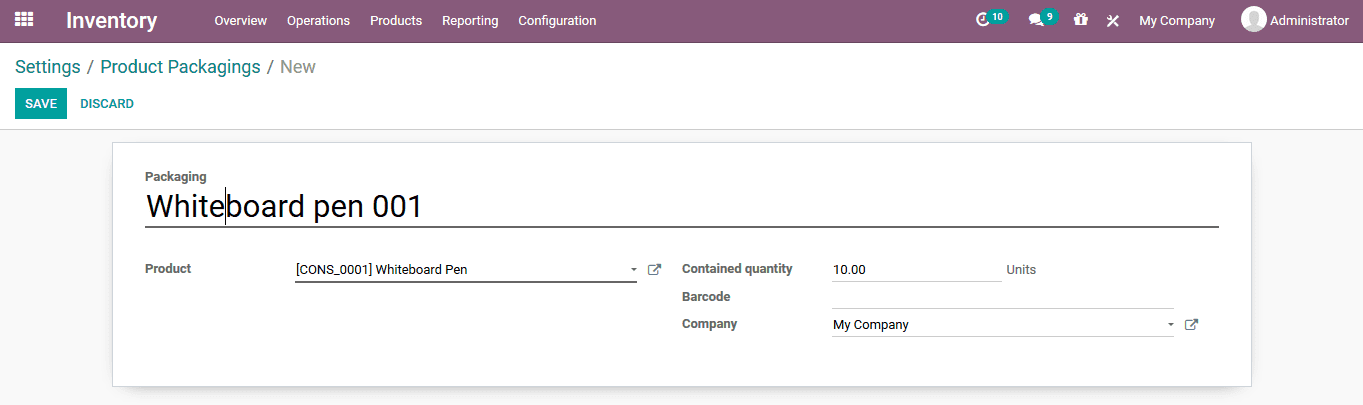
After selecting the available product packaging options in the settings menu under Product Packaging, users can navigate to the Product Packaging menu, where they can create various packaging aspects for operations on the platform.In the packaging creation window, users can provide a packaging name, product description, included quantity, barcode description (if any), and if the platform manages operations for multiple companies, users can specify the company.
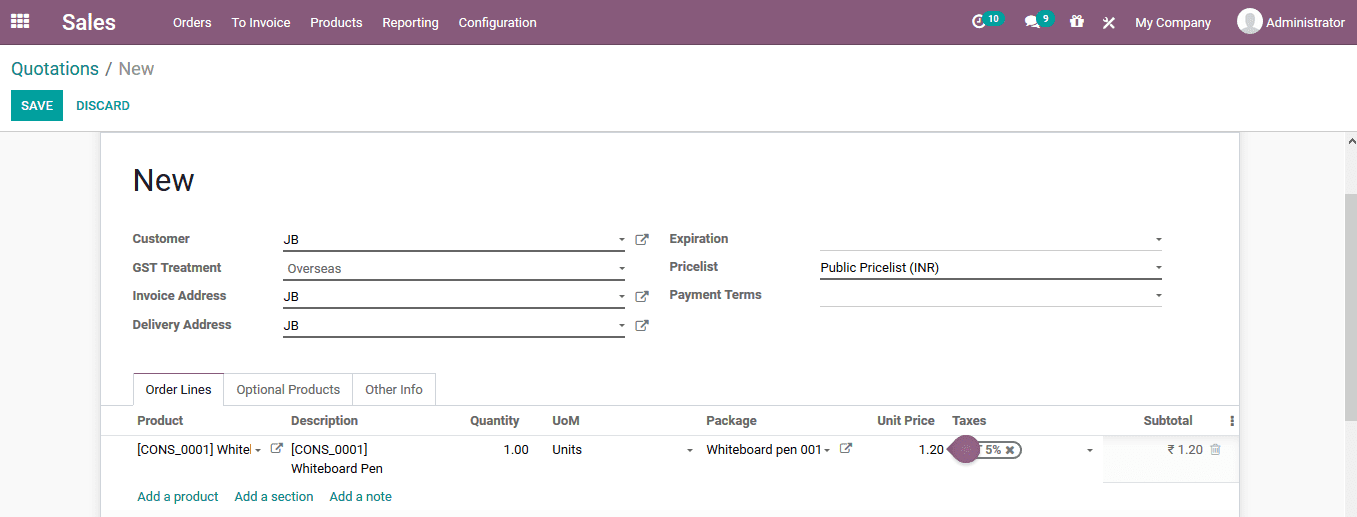
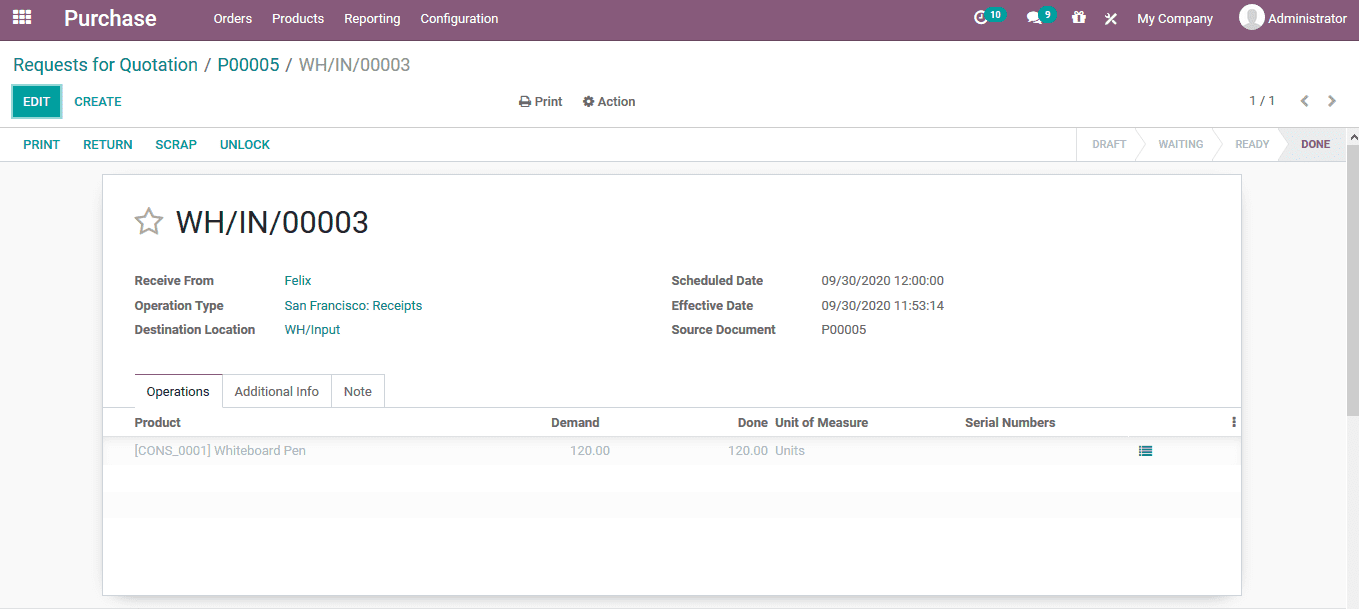
After creating a product package, users can perform sales quotations and internal product transfers within the package. When creating a sales quotation in the sales module, users will describe the corresponding product instance using the packaging information. Product packaging can be selected from the packaging window.
本課程沒有啟用評論功能。