如何开始使用讨论应用
By discussing applications, you can connect all of your company's communications through messages, notes, and chat. Share information, projects, files, prioritize tasks, and stay in touch with colleagues and partners throughout the app. Build better relationships, increase productivity and transparency by facilitating convenient communication.
Select your notification preference options
Access your preferences and then select the one to process Chatter Notice.


Messages marked as Mark as To-Do will also appear in Starred, while messages marked as Mark as Read will be moved to History.

Start chat
When you log into your account for the first time, OdooBot sends you a message asking if you want to receive desktop notifications for chats. If accepted, you will receive push notifications for messages regardless of your location in Odoo.

提示
To stop receiving desktop notifications, reset your browser's notification settings.
To start a chat, click New Message on the Messages menu, or go to Discussions and send a private message.
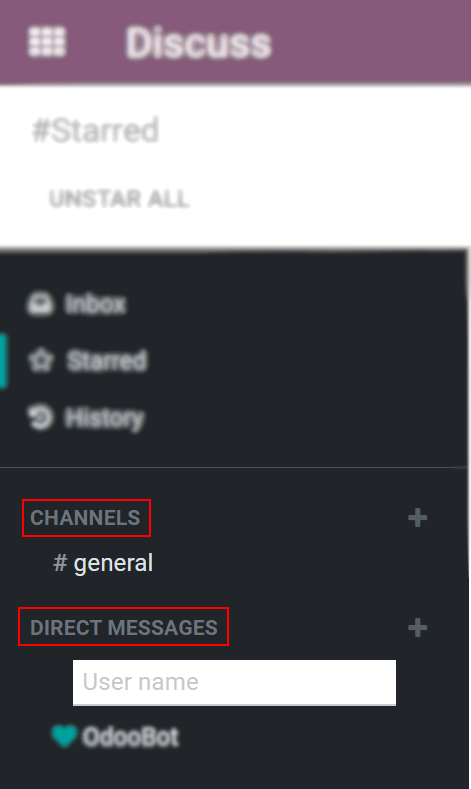
You can also create:doc:[UNKNOWN NODE title_reference].
Mentions in communication bar and chat

提示
When mentioning users, the search list (name list) first follows the task's :doc:[UNKNOWN NODE title_reference], and secondly within employees. If the record to be searched does not match either followers or employees, the search scope becomes all partners.
Chat status
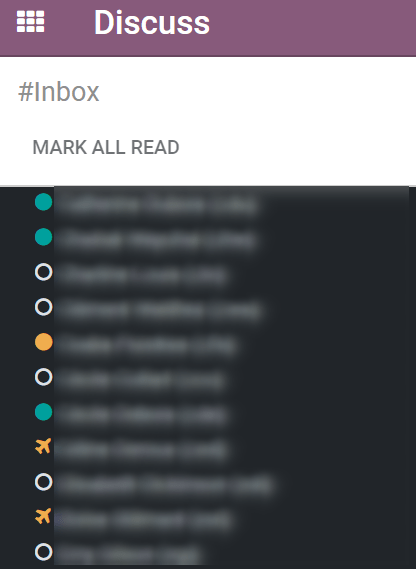
By viewing your colleagues' "status," you can learn what they are doing and how quickly they respond to messages. The status is displayed to the left of the contact's name in the Discussion sidebar and the Message Menu.
- Green = Online
- Orange = Idle
- White = Offline
- Airplane icon = Outgoing
本課程沒有啟用評論功能。